- On the home page of www.ecosway.com/US, select “Join” on top of the page and click to join as a Shopper.
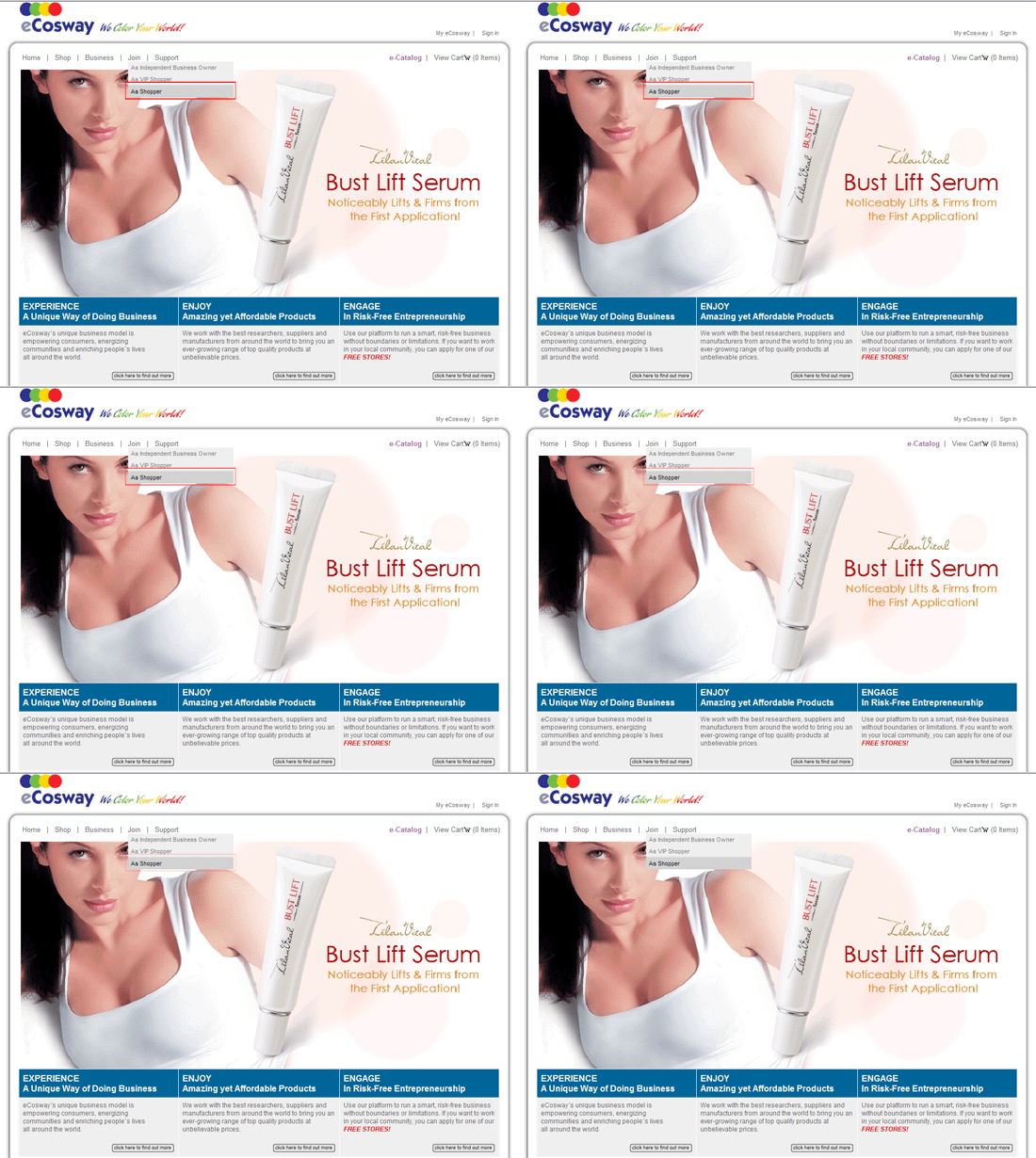
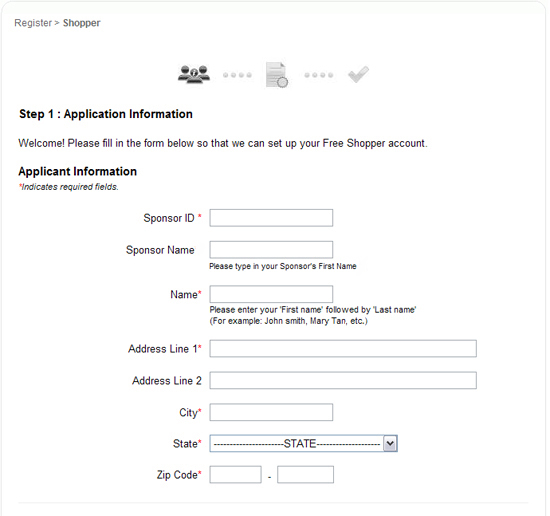
- You will be brought to the first page of the registration form.
(a) Step 1: Application Information
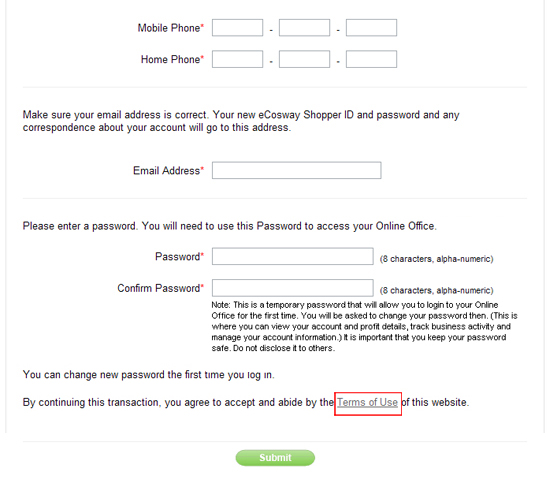
Fill in the registration form with accurate details.
Before continuing your registration, please click to read the Terms of Use. Click the “Submit” button to proceed to the next page.
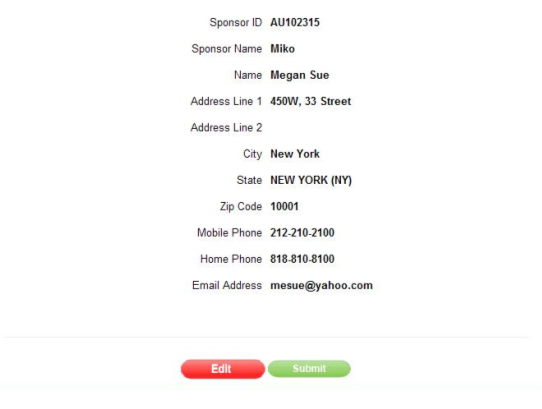
(b) Step 2: Confirmation of Information
Check and confirm all the details that you have entered are correct and click the “Submit” button to proceed to the next step or click the “Edit” button to make changes.
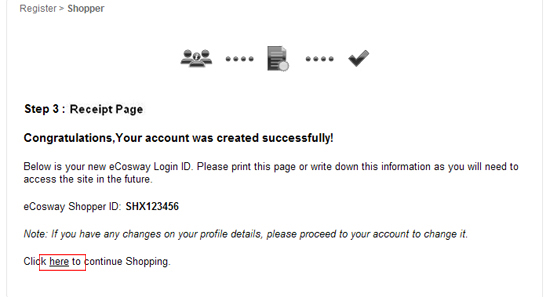
(c) Step 3: Receipt Page
You will be brought to the Registration & Payment Confirmation page which will show your eCosway Shopper ID.
If you wish to continue shopping, please click on the link circled in red.
- Your online registration is done! You will receive a welcome email with your password.
 Download PDF
  Printer Friendly Format